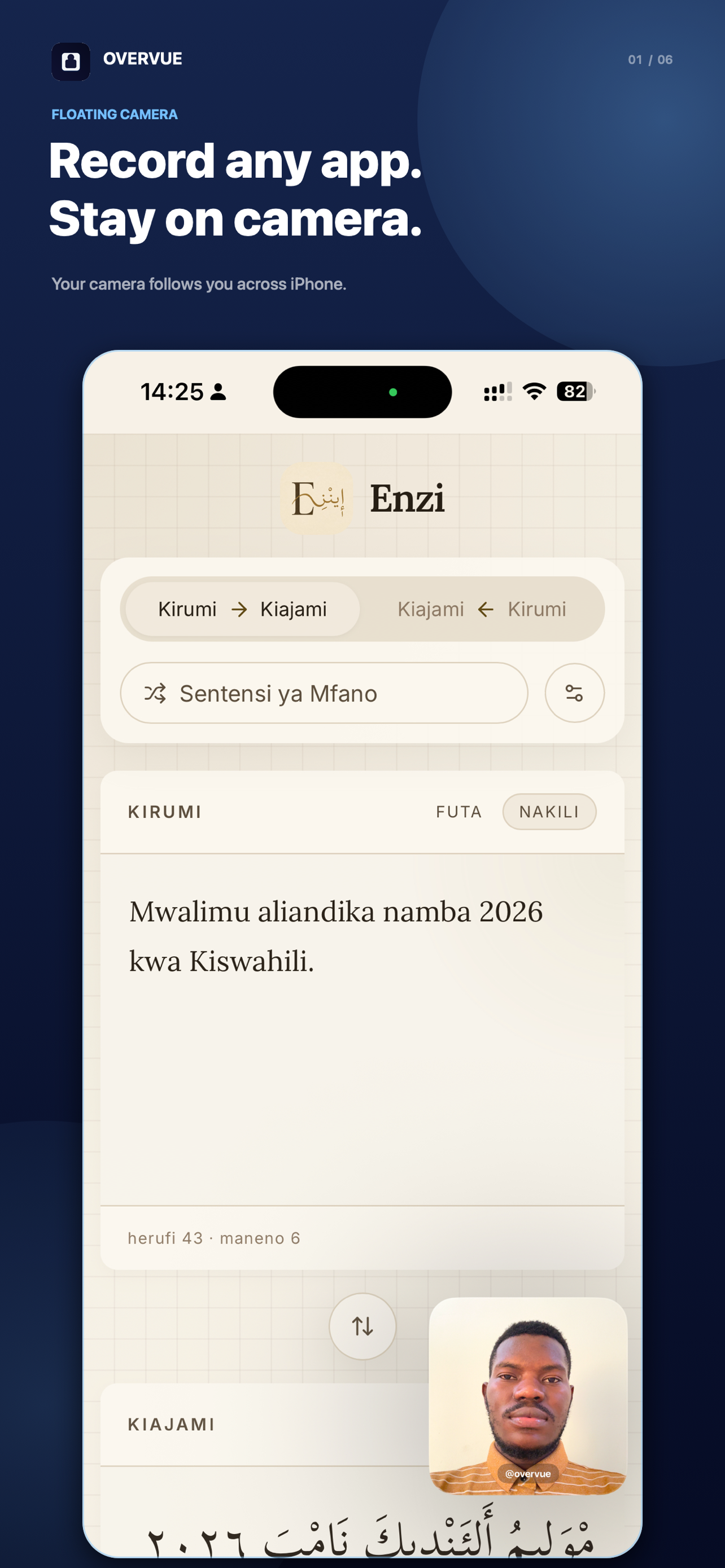
Record any app.Stay on camera.
Create demos, tutorials, and reactions directly from your iPhone with a floating camera, voice, and screen recording—all in one take.
One simple flow
Open. Record. Switch apps.
Overvue turns a workflow that normally needs a desktop, capture card, and editor into three steps on your iPhone.
Built for one-take clarity
Everything you need, live.
Adjust your camera and presentation while recording. What you see is what your audience gets.
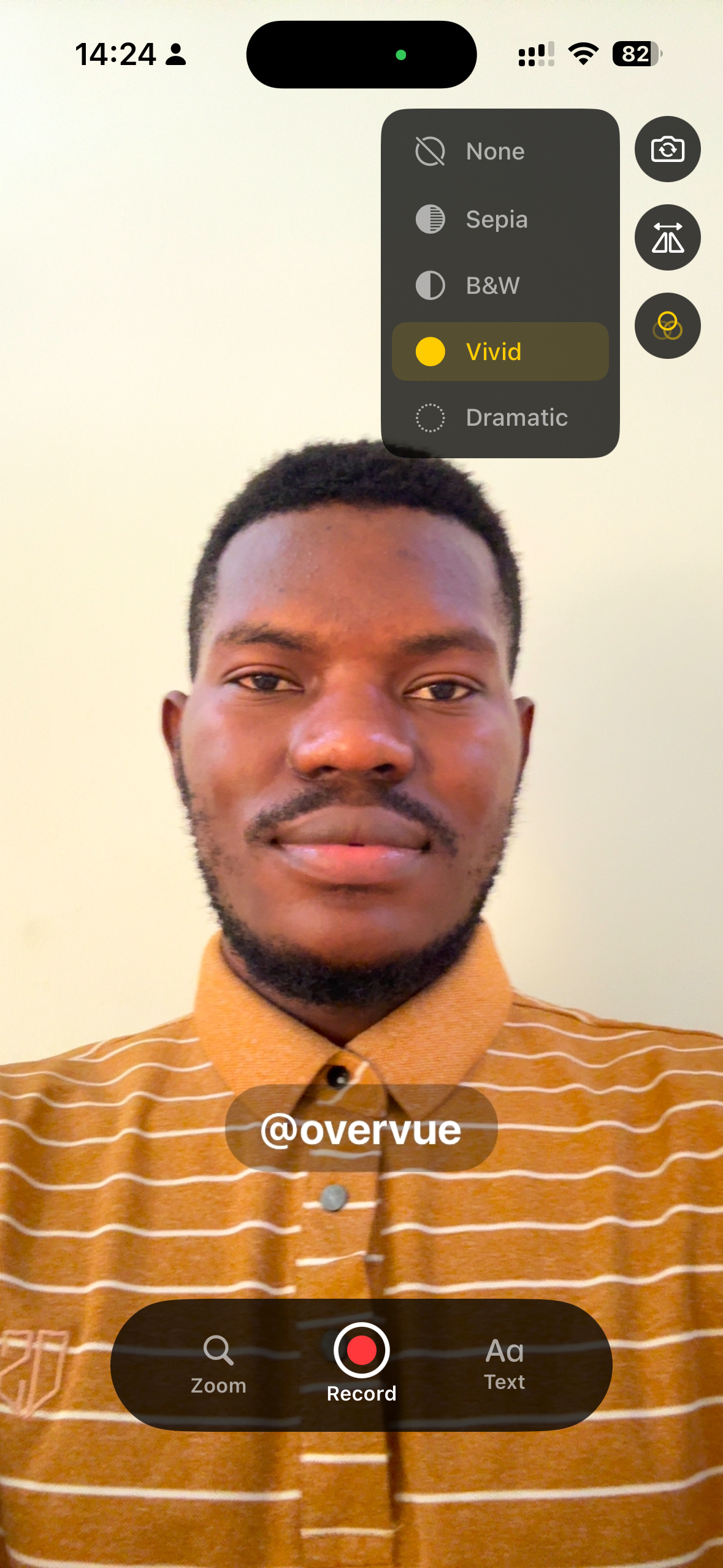
Floating camera
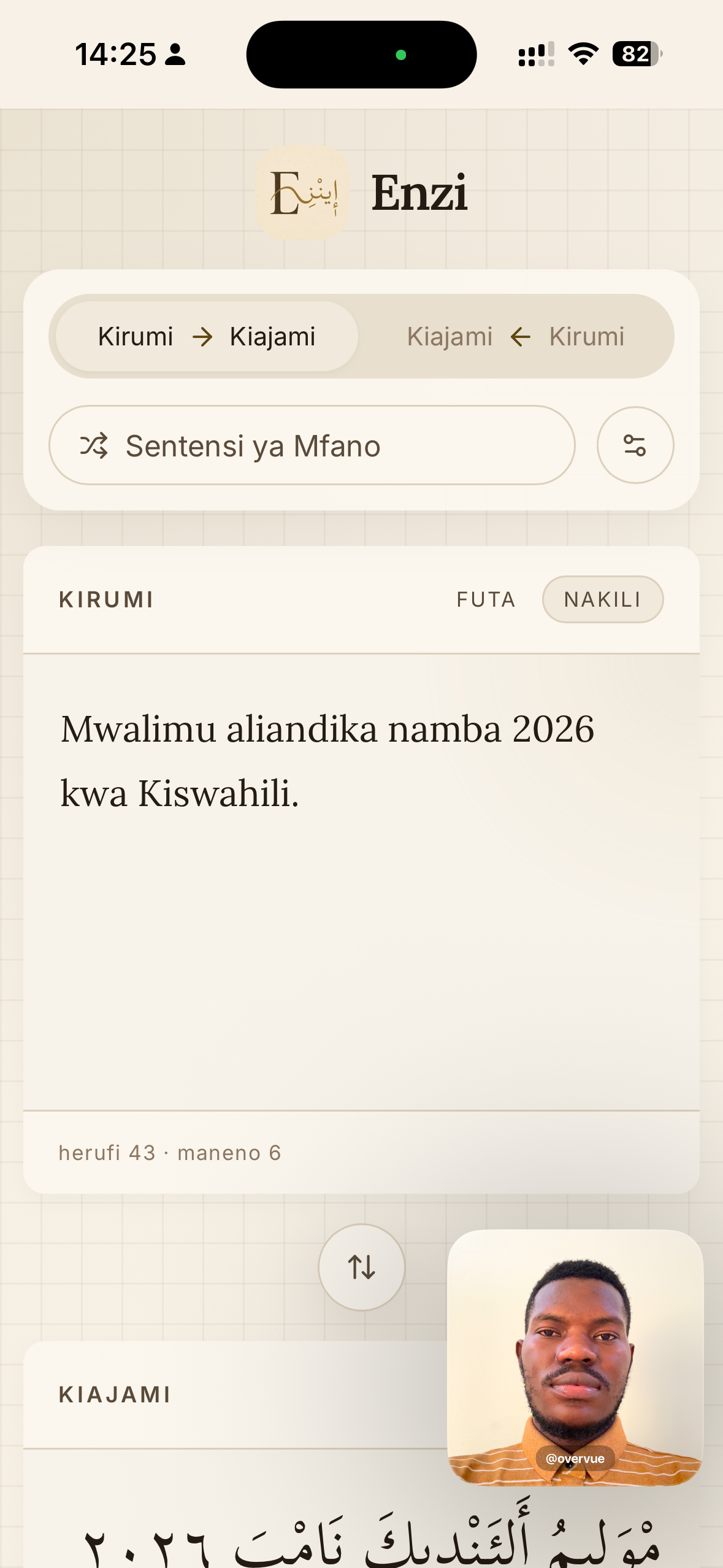
Stay visible in a movable Picture-in-Picture window as you move between apps.
Screen, voice, and app audio
Capture the full story in one recording, without a desktop or editing setup.
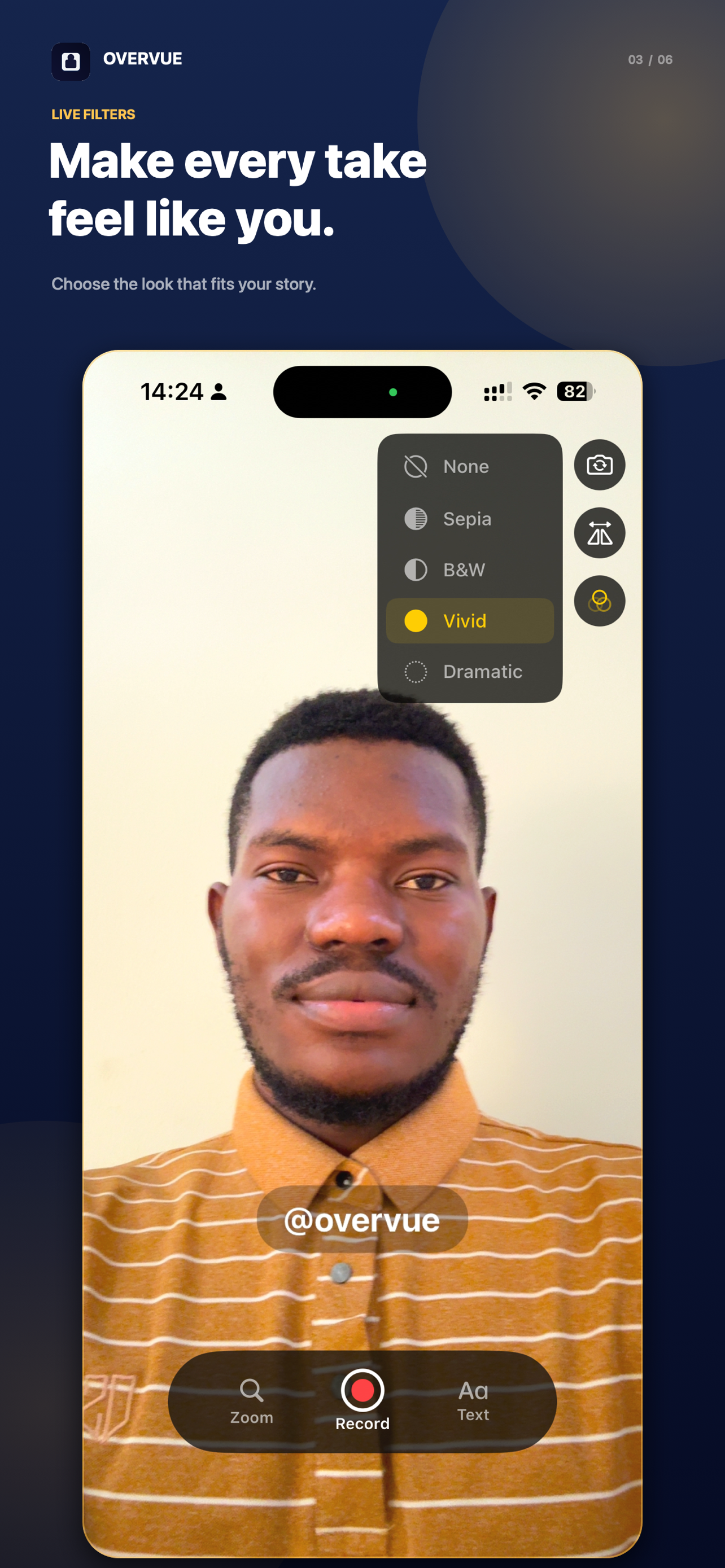
Live filters
Switch between natural, vivid, monochrome, sepia, and dramatic looks as you record.
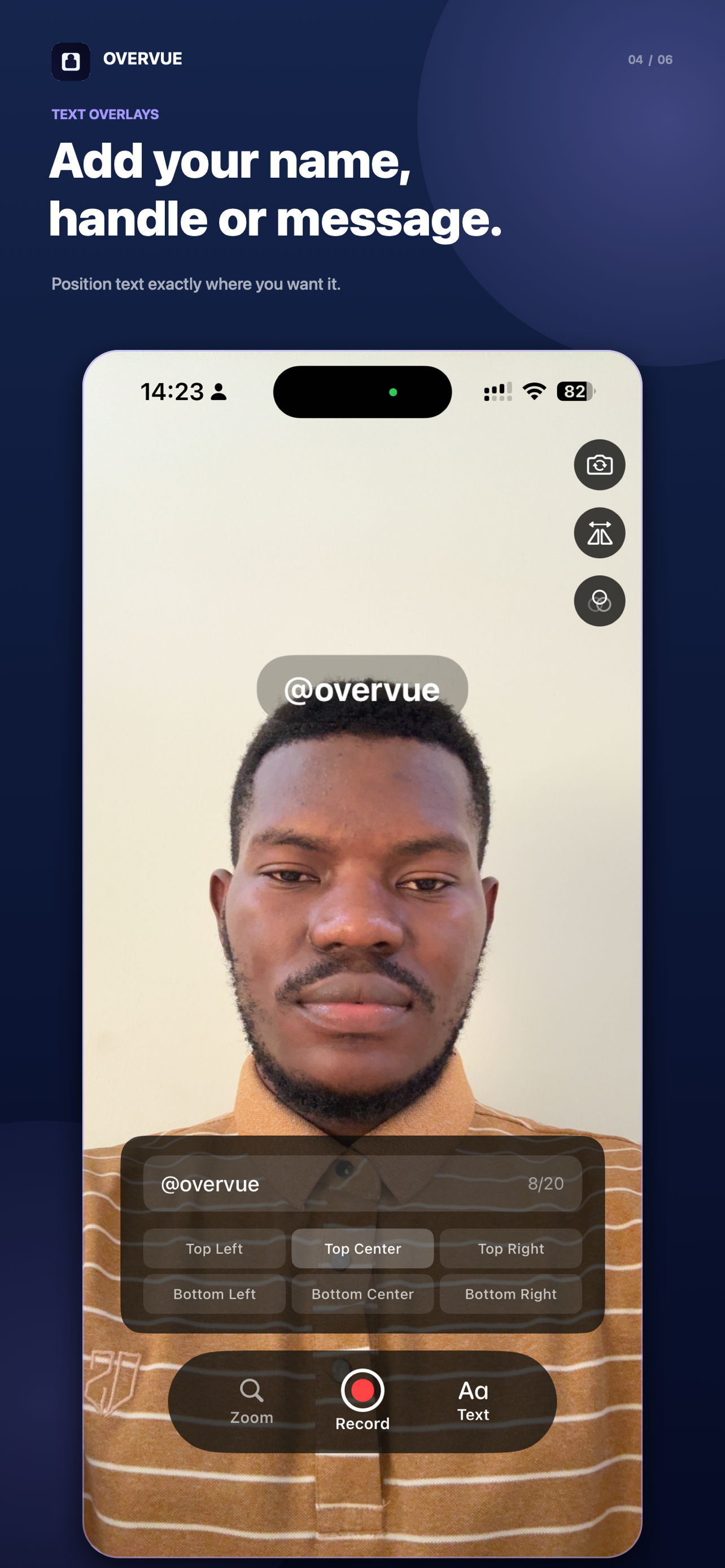
Text overlays
Add a name, handle, or short message and place it exactly where it belongs.
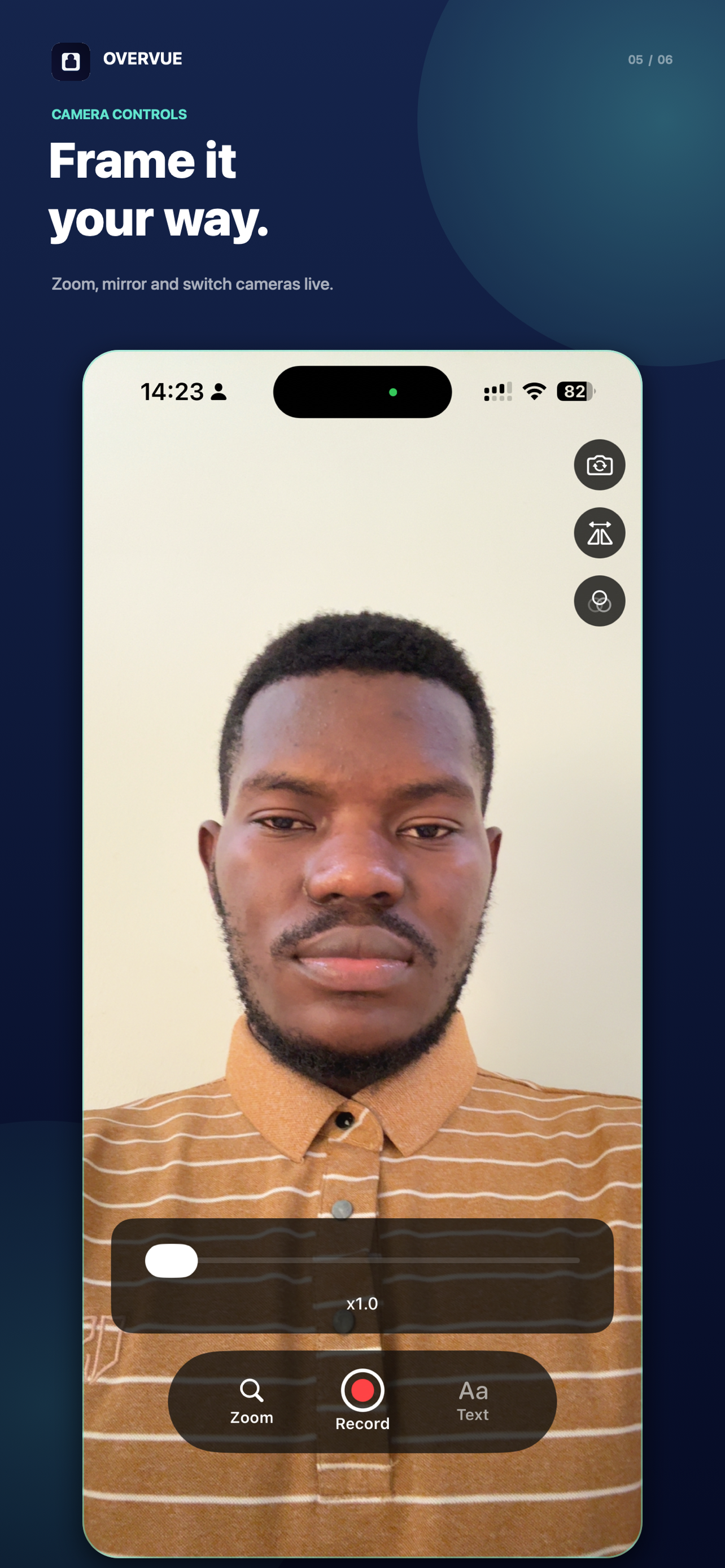
Camera controls
Zoom, mirror, and switch cameras live without interrupting your flow.
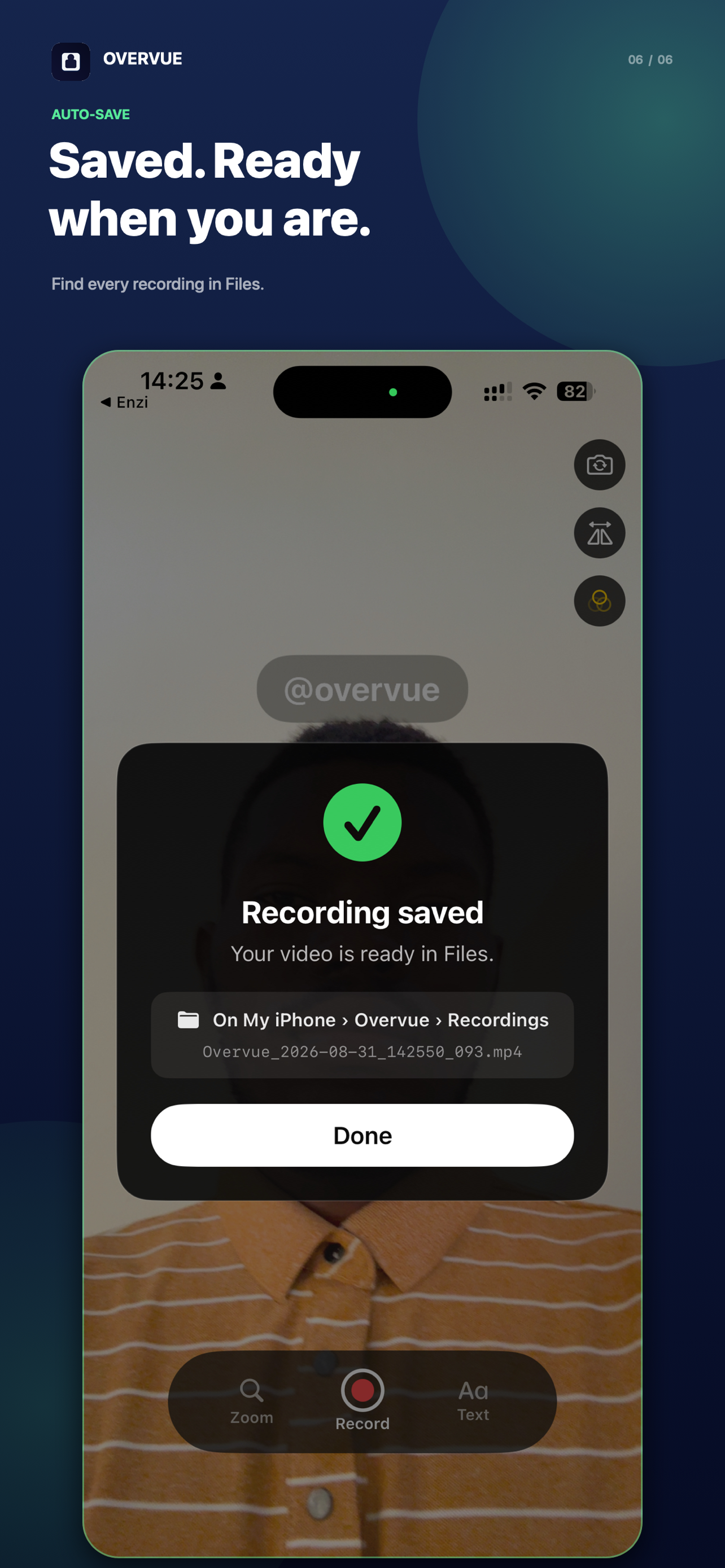
Automatic local export
Every finished MP4 is saved directly to Files on your iPhone.
Made on iPhone
Your presence, wherever the story goes.
Teach a workflow, walk through a design, explain a result, or record a reaction without leaving your phone.
Your recordings stay yours.
Overvue has no account, cloud upload, advertising SDK, or analytics service. Camera and microphone data are processed on your iPhone, and finished videos save locally to Files.
Ready for your next take?